Battery Monitor
February 2026
Overview
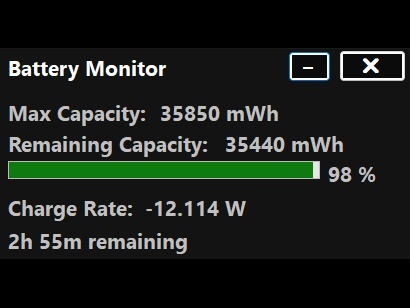
When I was looking at HWINFO on my laptop, I noticed it showed my battery's maximum capacity, current charge, and discharge rate. I thought these would be useful to see in a neat, user-friendly application that can be minimized to the tray.
Implementation
To create this simple application, I used Visual Studio to write the code in C# and Windows Forms for the user interface. To get the battery information, I used Windows's built-in Windows.Devices.Power library.
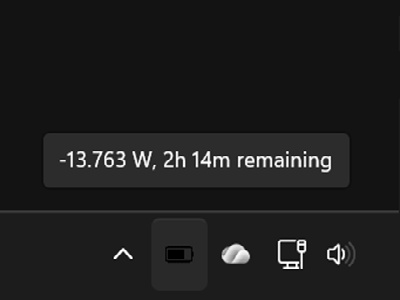
The application can also be minimized to the tray, where it shows just the discharge rate in watts and the time to empty when hovering over the icon.