Arduino Fan Controller
August 2025
Overview
The bus that supplied power to the fans in my PC was somehow damaged. So whenever the fans would spool up and pull past a certain amount of current, the motherboard would sense an irregularity and stop supplying power through that power bus. This meant the fans effectively no longer worked.
This took me a while to narrow down, I went through BIOS settings, tried different fan control software, and eventually narrowed the issue down to a hardware problem. Not wanting to spend $200+ on a new motherboard, I started exploring other solutions.
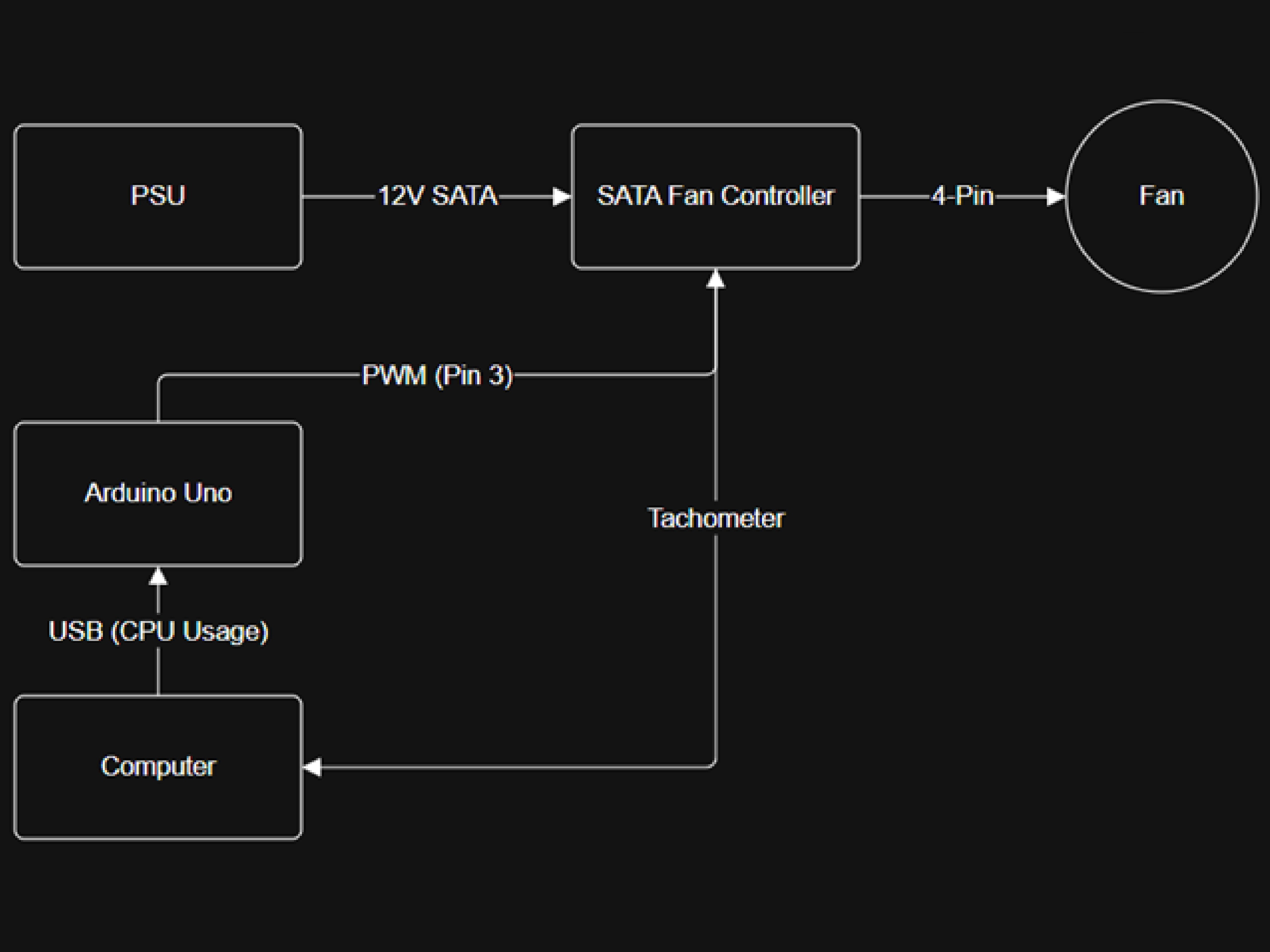
The solution I arrived at was pretty simple. Modern PC fans aren't controlled by voltage but rather by a Pulse Width Modulation signal. This signal uses a duty cycle to relay a percentage, such as a fan speed. PC fans have 4-pin connectors that contain ground, 12V power, tachometer (fan speed), and the PWM signal. So instead of the motherboard supplying the power and the PWM signal, I bought a SATA fan controller that takes 12V SATA power straight from the power supply and a PWM signal, and splits it between all the fans it's connected to, completely bypassing the motherboard.
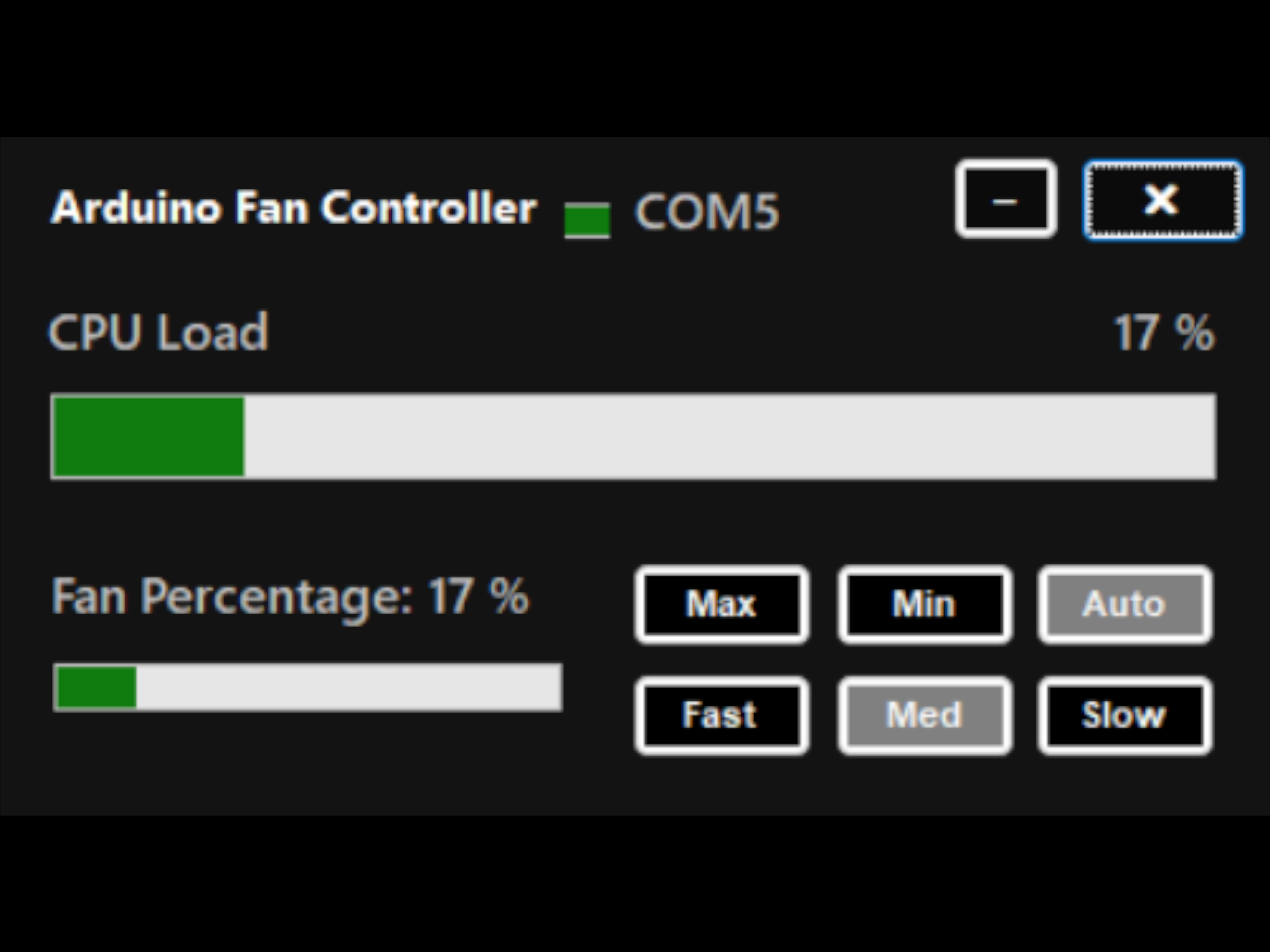
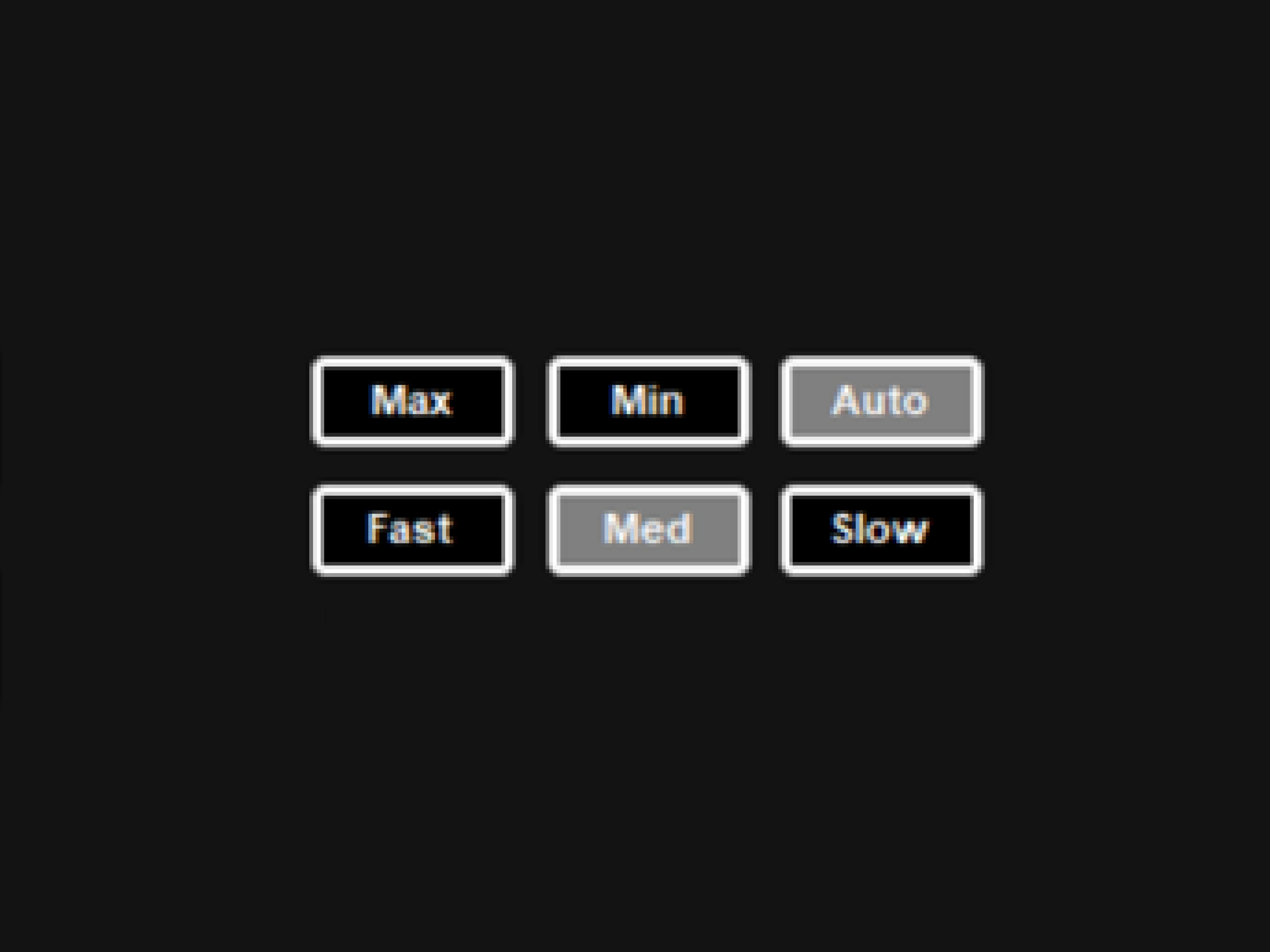
For the PWM signal, I created an application in C# that reads the CPU load and converts it into a fan percentage. It has multiple fan control options, including MAX and MIN, FAST (modeled by a negative quadratic equation), MED (which is linear), and SLOW (modeled by a positive quadratic equation).
The C# application outputs an integer value 0-100 representing the percentage of the fan speed. This is outputted to the Arduino UNO via a serial COM port. On the Arduino, there is another script which takes the 0-100 integer value and outputs it through PIN 3, one of the six PWM output pins on the UNO, to the SATA controller.
I also wanted to be able to see fan speed in both my Arduino Fan Controller software, and other hardware monitoring softwares. To do that I connected pin 3 of the SATA Controller's 4-pin input, which is the tachometer pin that relays the fan speed back, to a regular fan pin on the motherboard, this showed fan speed as if it was regularly connected to the motherboard.